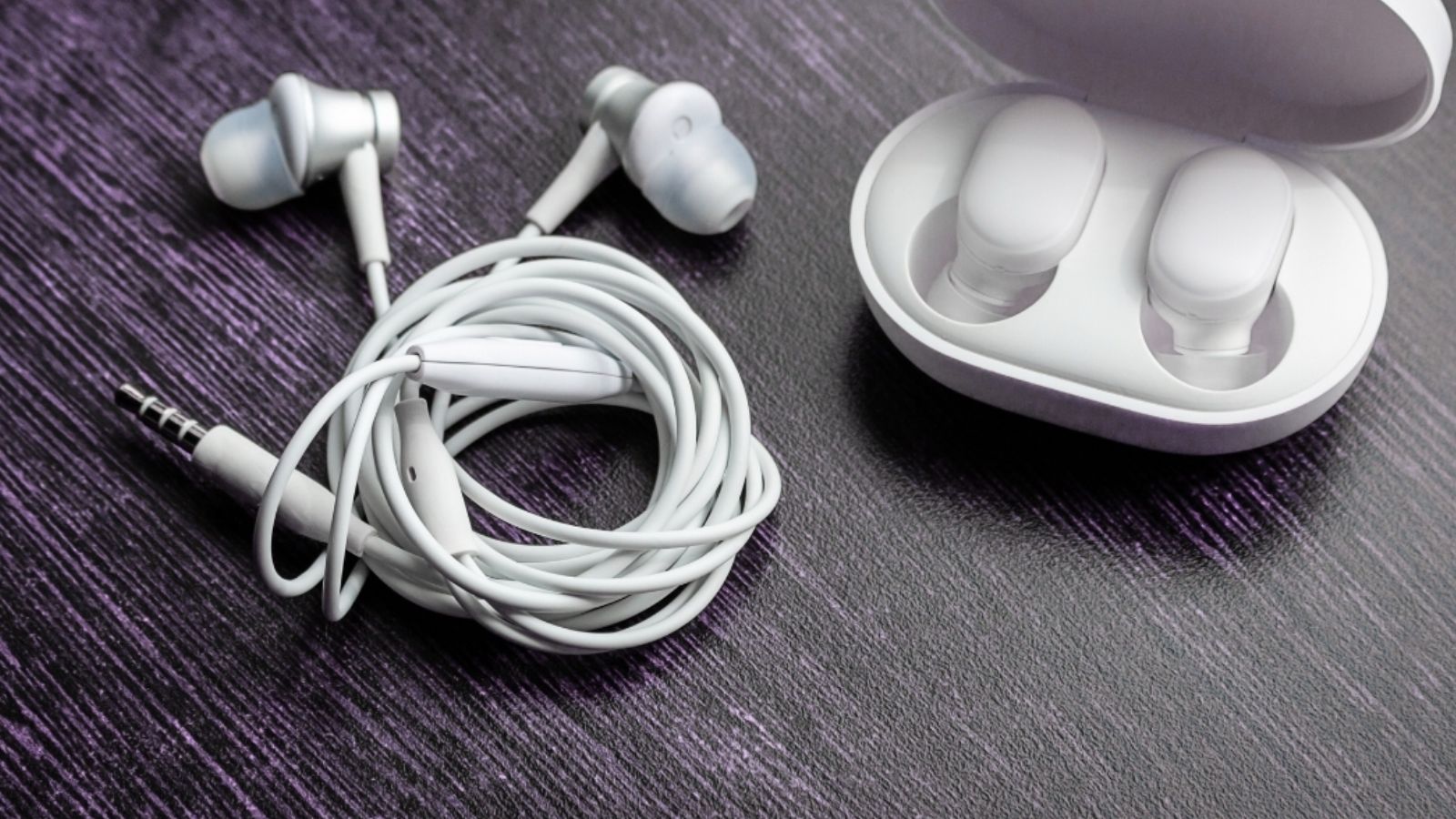
This guide ”Bluetooth latency explained”, dives into what causes it, how codecs play a role, and the exact steps you can take to eliminate the lag.
You press play. The beat drops, but the audio hits your ears a half-second after the video moves. If you’ve ever watched a YouTube video or played a mobile game with wireless earbuds, you’ve experienced Bluetooth latency firsthand. It’s one of the most common complaints about wireless audio, and yet most users don’t know why it happens or how to fix it.
What Is Bluetooth Latency?
The time it takes for your device to send the audio and the Bluetooth headphones or earbuds to play it back is Bluetooth Latency. Although it is minor, every single millisecond of delay is perceptible to most end users, which is why it can be an important specification to consider. This problem is often referred to as audio lag, audio delay or lip-sync error.
The common misconception is that raw audio sound travels directly from the music source through the wireless earbuds to your ears. In reality, the audio is first compressed into packets of information and sent via Bluetooth from your smartphone or music source to the wireless earbuds. Then, the wireless earbuds decode the packets and play the audio back for you to hear. Every step in that process takes time, and the sum of all those moments is what we know as Bluetooth latency.
The Latency League Table
While exact numbers can vary by device, a 2022 study by SoundGuys gives us a reliable benchmark for typical latency:
· SBC: ~170-270 ms (Too high for serious gaming)
· AAC: ~120-200 ms (Better, but still noticeable lag)
· LDAC (High-Quality Mode): >200 ms (Great for music, terrible for gaming)
· aptX: ~100-150 ms (Getting better, but not perfect)
· aptX HD: ~170-250 ms (Focuses on quality, not speed)
· aptX Low Latency & aptX Adaptive: <40-80 ms (The Champions!)
Main Causes of Bluetooth Latency
Alright, so you want to know how to fix your latency? First you have to understand what causes latency, and I’ll run through those causes for you.
1. Audio Codec Bottlenecks
The latency associated with Bluetooth audio transmission varies generally based upon the audio codec (Coded Audio File) used to compress and subsequently transmit audio signal data. Most codecs offer a compromise between audio quality and low transmission latency.
2. Signal Interference and Distance
Bluetooth operates on the 2.4GHz band, but there are a lot of devices vying for space there, including microwaves and Wi-Fi routers. Walls and distance make things even tougher. If you wander too far or hide behind a wall, your music starts to stutter. Bluetooth has to keep sending lost packets again, and that creates annoying delays. So, keep your phone and earbuds close, and steer clear of places heavy with interference.
3. Low Battery
When your earbuds’ battery gets low, performance takes a hit. The Bluetooth chip tries to save power and ends up slowing things down, so audio might lag or sound off. Top up your battery if you want a smooth experience.
4. Outdated Firmware and Drivers
Firmware updates cannot be only considered as boring tech-tasks. Companies release them to fix bugs, boost audio quality, and make connections more stable. If your earbuds feel slow or laggy, there’s a good chance you’re running old firmware.
5. Multi -Device Pairing
Pairing with multiple devices at once sounds convenient but actually splits your Bluetooth’s focus. This usually means high delay, especially when streaming or gaming. If you notice delays, disconnect from your other devices and stick with just one.
How to Fix Bluetooth Latency
Fix 1: Change Your Bluetooth Codec (Android)
This is the most impactful fix for Android users. By default, Android uses SBC — but you can manually switch to a faster codec through Developer Options. Here’s how:
- Go to Settings → About Phone → Software Information
- Tap Build Number seven times to unlock Developer Options
- Go back to Settings → Developer Options
- Scroll down to Bluetooth Audio Codec
- Select aptX, aptX Low Latency, or aptX Adaptive (whichever your earbuds support)
Fix 2: Enable Gaming or Low-Latency Mode on Your Earbuds
Most modern earbuds that support app control come with their own twists on audio enhancement and with many incorporating Gaming Modes or Low-Latency Modes that trim the latency to make gaming faster and more responsive, you might be selling yourself short. Many brands that support apps for their earbuds, such as Sony, Samsung, Jabra, and Anker, integrate these modes into their respective software to deliver a super-smooth experience. Check your manufacturer’s app, you might be surprised to find out how a little tweak can elevate your listening experience.
Fix 3: Update Earbud Firmware
Update the firmware on your device via your manufacturer’s companion app. Even a single release could patch one of the latency issues that have been plaguing users.
Fix 4: Reduce Wireless Interference
- Move your phone closer to your earbuds.
- Turn on Airplane Mode and then turn back on Bluetooth so that Wi-Fi can not interfere with it.
- Position device far away from routers, microwave ovens and other wireless devices.
- It’s also worth mentioning that when using the earbuds with your phone in your pocket the body can interfere with the signal. Typically the best way to avoid this is to keep your phone out of your pocket whilst wearing the earbuds and having the phone in your ear.
Fix 5: Re-Pair Your Earbuds
However, trying a different pairing of codecs / bitrates sometimes solves the problem. To clear Bluetooth device information from your mobile device’s settings, simply remove the earbuds from the app and then re-pair with the earbuds. This will perform a codec handshake from scratch which should resolve any compatibility issues.
Fix 6: Use an App-Level Delay Adjustment
It’s rare that videos are perfectly in sync the moment you open them in a video app, but some players give you the option to manually, which is useful if you are unable to switch to a different codec or activate hardware acceleration or switch to a different codec. VLC Media Player and MX Player are two such apps.
Fix 7: Charge Your Earbuds
Let’s get the obvious out of the way first – are your earbuds charged? Latency can be greatly affected by a low battery, and there’s little point in troubleshooting further if you’re running on fumes. Give them a quick charge for 10-15 minutes and then go for a test listen.
Bluetooth Latency by Use Case
| Use Case | Acceptable Latency | Recommended Codec |
| Music Listening | < 250ms (imperceptible) | SBC, AAC, LDAC |
| Video Streaming | < 100ms | aptX Adaptive, aptX |
| Mobile Gaming | < 40ms | aptX Low Latency |
| Video Calls | < 150ms | aptX Adaptive, AAC |
If you are going to be buying new earbuds in the future, it may be worth your while to consider latency when selecting a product. The best options currently available that cater to low-latency audio streaming are those that support aptX Low Latency, aptX Adaptive, and LC3 / Bluetooth LE Audio — LC3 delivers latency as low as 20-30ms and has gone mainstream in 2026 on devices like the Google Pixel 9 and Samsung Galaxy S25 (note: Apple’s iPhone doesn’t support it yet).
Further Reading & References
- Bluetooth Audio Delay and Latency: The Complete Guide — ArmorSound
- Understanding Bluetooth Codecs — SoundGuys
- Best Bluetooth Audio Codecs 2025 — SoundHub
- How to Fix Bluetooth Sound Delay on Android — Headphonesty
- How to Change the Bluetooth Codec on Android — Android Police
- 7 Ways to Fix Bluetooth Audio Delay on Android — TechWiser
- Bluetooth Codecs Ultimate Guide — Headphones Addict
- How to Fix Headphone Latency — Soundcore
- Android Hidden Bluetooth Codec Settings 2026 — PhoneTechWiki
Want to know more about how these formats affect sound quality? Read our complete comparison of LDAC vs AAC vs aptX.

I’m a young, curious storyteller with a passion for writing and a Specialization in cybersecurity. As an all-niche writer, I thrive on exploring diverse subjects — from the latest in cyber defense to trends in technology, culture, and beyond. With a natural ability to simplify complex ideas, I turn intricate topics into clear, engaging narratives that resonate with any audience.





Leave a Reply