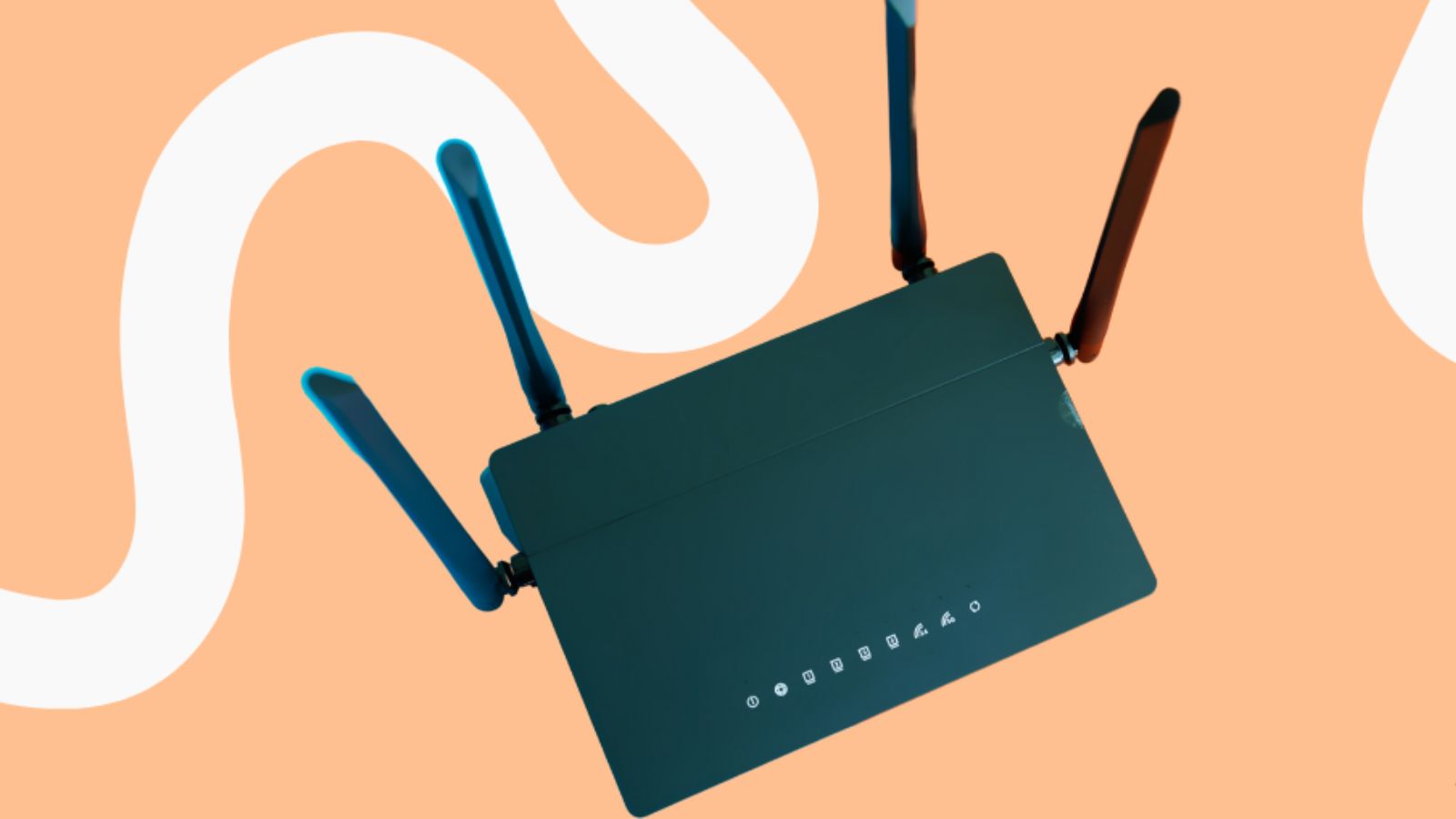
Wi-Fi 6 is the newest step forward for wireless tech. It was built specifically to handle our massive demand for an internet connection that’s actually reliable and doesn’t flake out. Since the official standards were wrapped up in September 2019, that’s generally considered the year it hit the scene. What really makes it special, though, is how it handles a crowd. Instead of just focusing on one or two gadgets, it’s designed to juggle a whole house full of devices all at once. To understand this, we need to look at how to manage a home full of devices. In the past, the internet was like a single-lane highway, where it took a while for data to get from one place to another, in other words, you had to wait your turn. That situation has been able to cause internet congestion in the past. Wi-Fi 6 is, to put it simply, a multi-lane highway. This means not only how fast Wi-Fi 6 will be, but also how smoothly the Internet will work. However, the world is still curious about the speed of Wi-Fi 6.
How Fast Is Wi-Fi 6
To understand how fast Wi-Fi 6 is, we need to look at more than just a single number on a box. Tech experts say Wi-Fi 6 can reach speeds of up to 9.6Gbps, but in a home, it’s likely to be closer to 1Gbps or 2Gbps. However, there’s a reason why Wi-Fi 6’s true speed is a mystery, It’s not just how fast it can transfer data to a single phone, but how it can manage a busy home full of devices.
The reason why Wi-Fi 6 is so fast is that it reduces “latency.” This is because it organises the signal so well that it feels like a blink of an eye. With Wi-Fi 6 on your devices, everything from finding a connection to downloading can be done in a flash.
Even as we head through 2026 and newer tech starts popping up, Wi-Fi 6 is still the best pick for most of us. It’s got plenty of power to handle a 4K movie in the living room while someone else is on a Zoom call in the office without any annoying glitching. At the end of the day, the real beauty of Wi-Fi 6 isn’t just a number on a box it’s the consistency. It keeps your connection solid and snappy, even when every person in the house is on their phone or laptop at the same time. It’s basically built for the way we actually live today.
What Actually Makes Wi-Fi 6 Faster?
You might be wondering what’s going on behind the scenes that makes Wi-Fi 6 such a step up from the old stuff. It isn’t just one big magic trick; it’s really about a few clever technologies working together to keep your connection from getting bogged down.
01. Sharing the Load (OFDMA)
- The Old Wi-Fi Way (Single-Trip Delivery)
Think of your old router like a delivery truck that can only carry one package at a time. If three people in your house are online, that truck has to make three separate trips to deliver the data.
- The OFDMA Solution (Multi-Package Delivery)
OFDMA (Orthogonal Frequency-Division Multiple Access) basically upgrades the system so the truck can carry everyone’s packages at the exact same time.
- The Result
By splitting the wireless signal into smaller chunks, the router talks to multiple devices in a single go. This is exactly why you don’t feel that annoying lag when everyone in the house gets online at once.
02. Packing More In (1024-QAM)
- The Focus is Density
Older Wi-Fi versions weren’t very efficient at how they “packed” data into a wireless signal.
- The 1024-QAM Upgrade
Wi-Fi 6 uses a technology called 1024-QAM (Quadrature Amplitude Modulation), which allows it to cram about 25% more information into the exact same space.
- The Car vs. Van Analogy
It’s like upgrading your delivery vehicle from a small car to a spacious van, you are simply moving a lot more stuff with every single trip.
03. Wider Lanes (160 MHz)
- Invisible Roads
The channels your Wi-Fi uses to transmit data act just like invisible roads in the air.
- Wider Lanes (160 MHz)
Wi-Fi 6 doubles the width of these digital roads to 160 MHz.
- The Highway Analogy
Just like adding more lanes to a physical highway prevents traffic jams, these wider channels allow massive amounts of data to flow smoothly without getting stuck behind other devices.
04. No More Waiting in Line (MU-MIMO)
- The Old Way (One at a Time)
In the past, routers were actually pretty slow at multitasking. They had to talk to one device, finish the conversation, and only then move on to the next one.
- The MU-MIMO Solution
MU-MIMO (Multi-User, Multiple-Input, Multiple-Output) changes this by letting the router handle a bunch of different device conversations at the exact same time.
- No More Waiting
Instead of your smartphone waiting around for the TV to finish its turn, both devices get the data they need instantly.
- The Big Picture
When you put all these features together, your internet doesn’t just “work” it stays rock-solid, even when your house is packed with gadgets fighting for attention.
Do You Need a New Router?
To get the most out of this new setup, you really do need a Wi-Fi 6 router, but making the switch is actually a lot simpler than it sounds. Think of wireless tech like a two-way conversation: both the person talking (the router) and the person listening (your phone or laptop) have to be on the same page. If you buy a top-of-the-line router but you’re still using a ten-year-old phone, you’re not going to see those lightning-fast speeds because the phone just can’t keep up.
- You’re Probably Already Set
The cool thing is, if you’ve picked up a new phone, tablet, or laptop in the last few years, you likely have a Wi-Fi 6-ready device in your hands right now. Big names like Apple and Samsung started building this tech into their gear around 2020. So, for most of us, the “receiver” part is already covered you’re just missing the “sender.”
- Handling the Crowd
Swapping out your old router is a total game-changer, especially since most of our homes are overflowing with tech these days. It’s not just about one or two computers anymore. By now, in 2026, we’ve all got smart TVs, cameras, consoles, and even light bulbs constantly fighting for a signal. On an older Wi-Fi 5 router, all those devices act like a messy traffic jam at a four-way stop. A Wi-Fi 6 router, though, acts like a smart traffic controller that keeps everyone moving at once. It stops that annoying “bottleneck” where one person’s Netflix binge causes someone else’s video call to lag out.
- Better Security and Battery Life
It isn’t just about raw speed, either. A new router keeps you safer with WPA3, which is a much tougher security standard that makes it way harder for anyone to mess with your network. Plus, it actually helps your phone’s battery last longer. It uses a clever trick called “Target Wake Time” to tell your devices exactly when to “wake up” for data and when to “sleep,” so they aren’t constantly draining power searching for a signal.
- The Bottom Line
Even with Wi-Fi 7 starting to make noise in 2026, Wi-Fi 6 is still the best bang for your buck for most families. It’s the perfect middle ground reliable, incredibly fast, and more than capable of handling a busy, modern life full of gadgets. It’s basically the upgrade your home network has been waiting for.
Final Thought
- It’s About Sanity, Not Just Speed
Wi-Fi 6 isn’t just about chasing high numbers on a speed test; it’s about stability. It stops your videos from buffering when someone else in the house is gaming or on a Zoom call.
- Built to Handle the Crowd
While hitting speeds over 1 Gbps is great, the real benefit is capacity. It stops your devices from fighting over a weak signal and manages a crowded network effortlessly.
- Future-Proofing for “Device Creep”
We aren’t going to start using fewer gadgets. As we keep adding smart speakers, cameras, and laptops every year, Wi-Fi 6 ensures your home network is actually ready for them.
- Wi-Fi 5 is Showing its Age
Hanging onto an old Wi-Fi 5 router might feel ‘fine’ right now, but adding just one more smart TV or phone can trigger those annoying random disconnects and micro-delays. Before assuming it’s a hardware problem, it’s worth ruling out software-side causes too — a quick DNS flush can resolve intermittent site-loading issues without buying anything new.
- A Necessary Upgrade for 2026
Now that we are halfway through 2026, sticking with outdated tech just gets more frustrating. Upgrading untangles the digital traffic jam in your house and makes everything flow smoothly making you wonder how you ever tolerated the lag.

I am a young, curious project management student, passionate about leadership. I take an agile approach to writing and talk about things such as strategic planning and team dynamics. I enjoy breaking down complicated systems into easy-to-understand, captivating tales. To enable teams to learn and apply practical knowledge that will help them achieve success in the real world, where challenges arise.





Leave a Reply