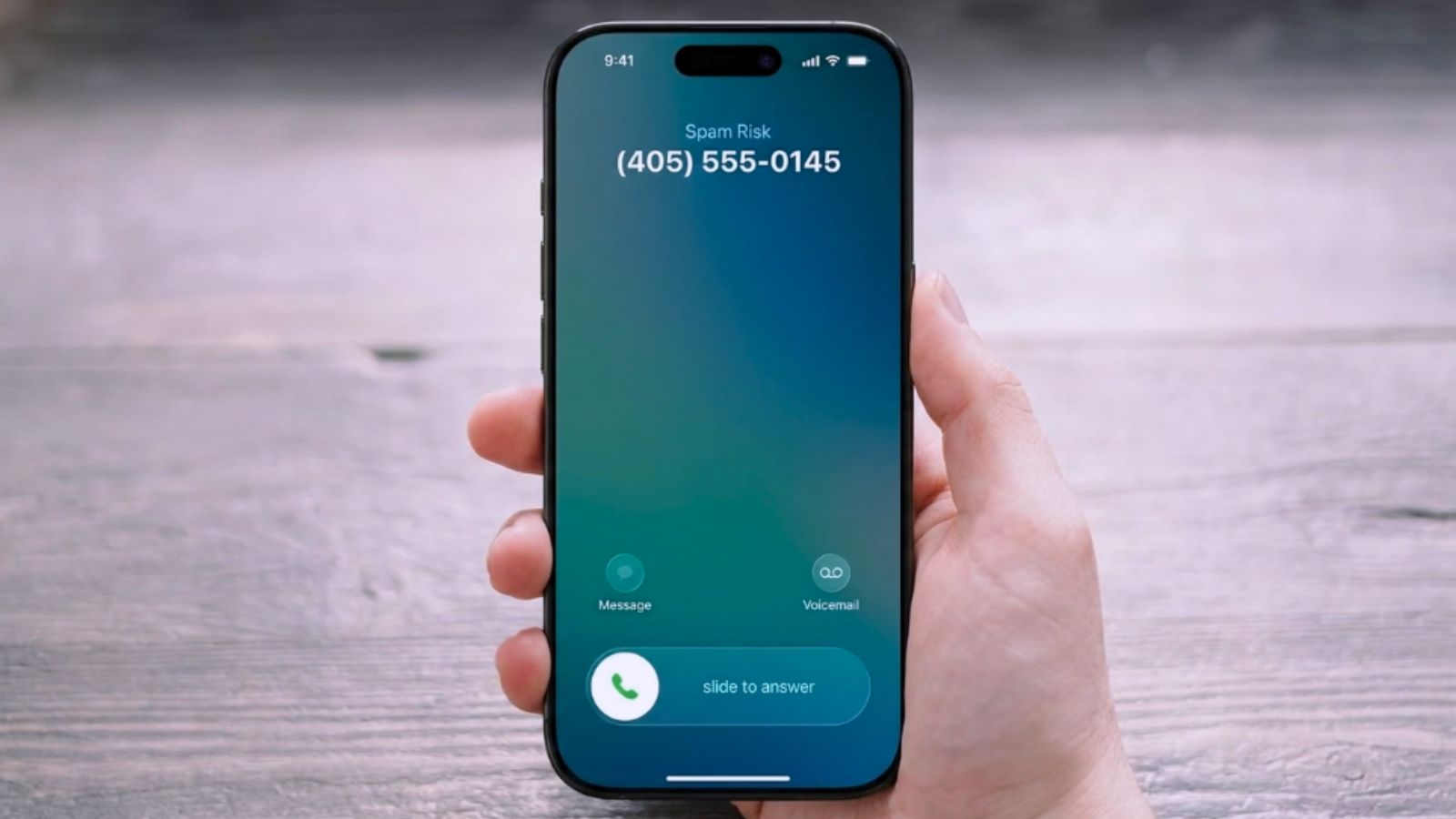
If you’re searching how to stop unknown calls iPhone keeps letting through, you’re dealing with the same thing everyone with a phone number deals with now: spam callers, robocalls, and numbers that were never saved as a contact ringing through at all hours. The good news is iOS has real, built-in tools for this — you don’t need a third-party app. Let’s go through all three.
How to Stop Unknown Calls iPhone: 3 Real Settings
Each of these does something slightly different, so it’s worth understanding the difference before picking one. Start with Silence Unknown Callers if you want the simplest fix.
Method 1: Silence Unknown Callers
Go to Settings, then Apps, then Phone, then Screen Unknown Callers, and select Silence. Once this is on, calls from numbers that aren’t in your contacts, your recent calls, or Siri suggestions get silenced automatically and sent straight to voicemail, while still showing up in your Recents list in case you need to check who called. This is the broadest fix and the one most people want.
One safety detail worth knowing: if you ever place an emergency call, Silence Unknown Callers automatically turns itself off for the next 24 hours, so you stay reachable during anything urgent. Apple documents the full behavior in its own guide on managing unknown callers.
Method 2: Ask Reason for Calling
If Silence feels too aggressive, since it sends everything from an unsaved number straight to voicemail with no ring at all, there’s a middle option. In the same Settings, then Apps, then Phone, then Screen Unknown Callers menu, choosing Ask Reason for Calling screens unknown calls before your phone actually rings, giving you a chance to hear the reason before deciding whether to pick up. This is the better choice if you occasionally get legitimate calls from unsaved numbers, like a delivery driver or a doctor’s office, and don’t want to miss them entirely.
Method 3: Block a Specific Number Directly
If it’s one particular number bothering you rather than unknown callers generally, open the Phone app, go to Recents, and tap the small “i” info icon next to the number. Scroll down and tap Block this Caller. Once blocked, that specific number can’t call or text you at all, no ringing, no voicemail notification, nothing.
Which Option Should You Actually Use?
For most people dealing with a steady stream of spam and robocalls, Silence Unknown Callers is the right first move; it solves the actual annoyance with one setting. Add Block this Caller on top for any specific repeat offender, and consider switching to Ask Reason for Calling instead of Silence if you’ve ever missed a legitimate call from an unsaved number and it bothered you.
Frequently Asked Questions
Does how to stop unknown calls iPhone completely block spam callers?
Not entirely — Silence Unknown Callers filters based on whether a number is saved, not whether it’s specifically spam, so it will also silence any legitimate caller you haven’t saved yet. It’s a strong reduction in interruptions, not a guaranteed spam blocker.
Will Silence Unknown Callers block calls from delivery drivers or businesses?
Yes, if their number isn’t already saved in your contacts. This is exactly why Ask Reason for Calling exists as a middle-ground option — it lets legitimate unsaved callers explain themselves before you decide whether to answer.
Can I unblock a number later if I change my mind?
Yes — go back to the same Phone app, then Settings, then Blocked Contacts, where every number you’ve blocked is listed and can be removed at any time.
Silence Unknown Callers is the one setting most people should turn on first — it solves the bulk of the annoyance in about ten seconds. And if it’s your iPhone acting up in other ways rather than your calls, our guides on hiding an app on iPhone and force restarting an iPhone cover two other common iPhone questions.

I’m a tech-savvy writer and passionate software engineer who loves exploring the intersection of technology and creativity. Whether it’s building efficient systems or breaking down complex tech topics into simple words, I enjoy making technology accessible and useful for everyone.





Leave a Reply